
Appearance
Secure Browse
Extension Manager for Financial Sites
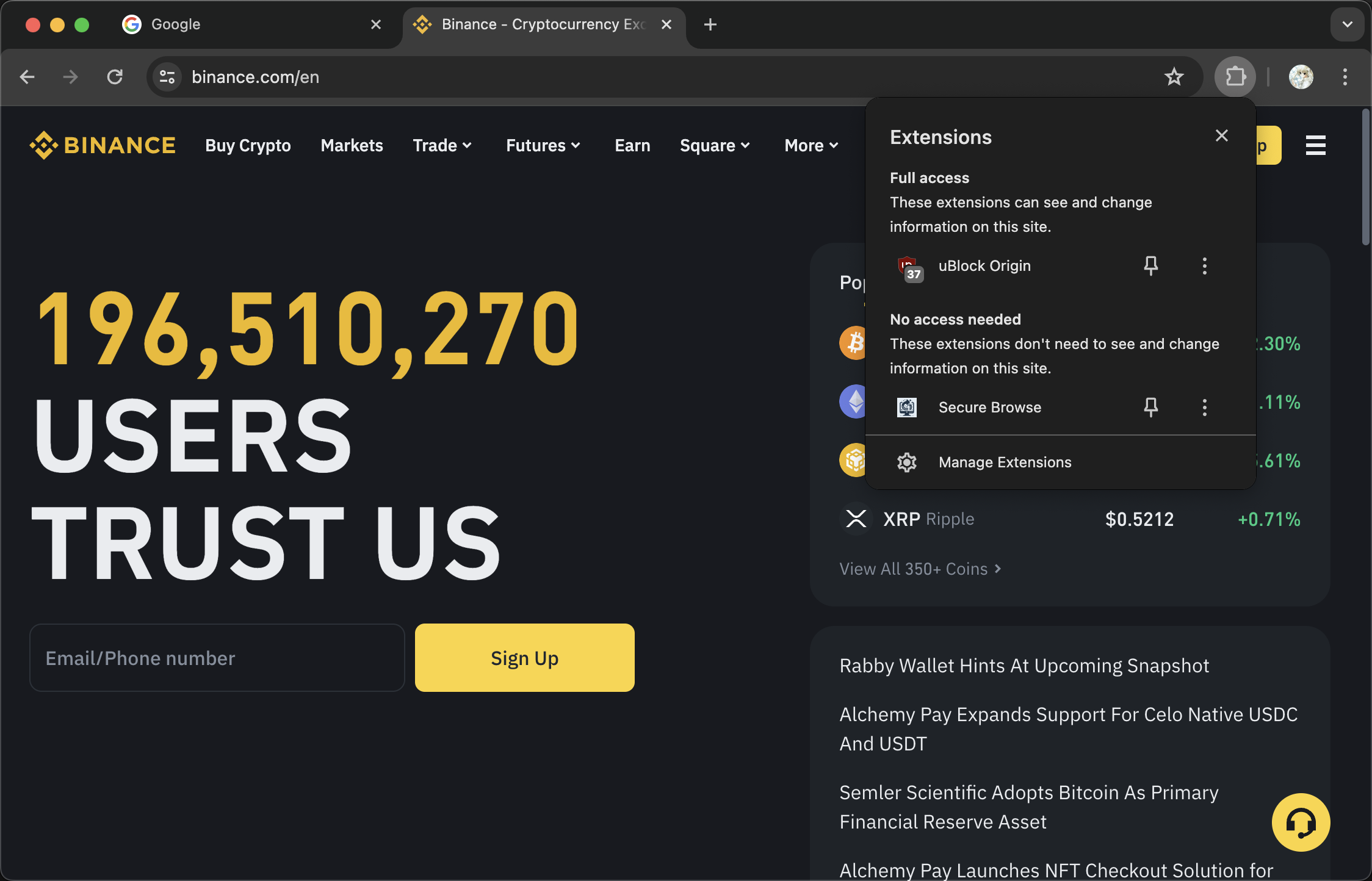
Secure Browse is a Chrome extension designed to enhance your online security by managing other extensions based on the websites you visit. This extension automatically disables non-whitelisted extensions when you visit financial websites, ensuring a safer browsing experience. When you navigate away from these sites, it re-enables the previously disabled extensions.
The following extensions are included in the default whitelist and will remain enabled when you visit financial websites:
The extension currently monitors and protects your browsing on the following financial websites:
*.binance.com*.coinbase.com*.kraken.comchrome://extensions/.We welcome contributions from the community! If you have suggestions for new features or improvements, please submit a pull request or open an issue.
This project is licensed under the MIT License. See the LICENSE file for details.
If you encounter any issues or have any questions, please open an issue in the GitHub repository.
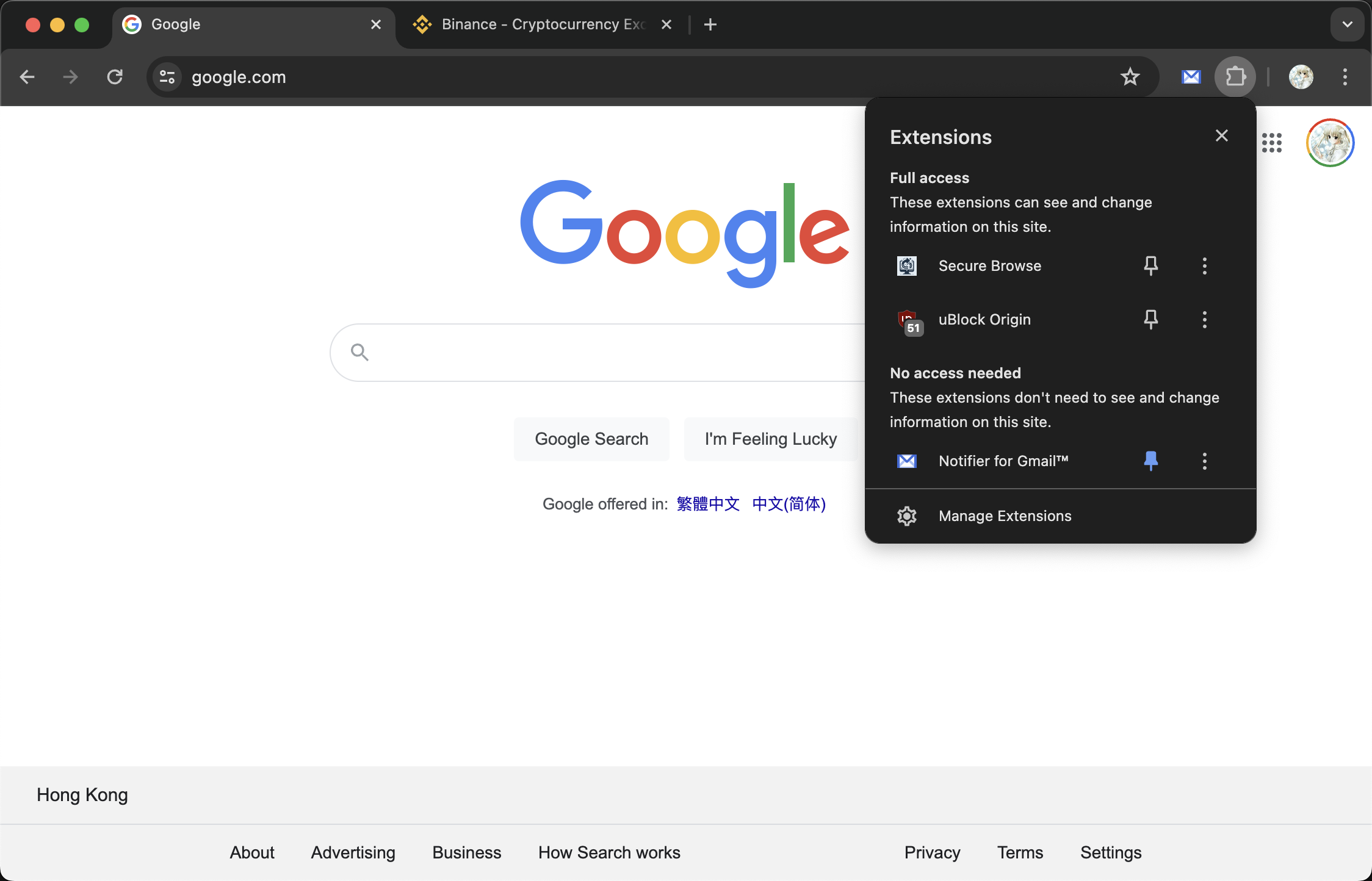
Secure Browse currently supports only the Chrome browser because the extension relies on specific Chrome APIs to manage and control other extensions. These APIs are not available in Firefox, making it impossible to achieve the same functionality. We are keeping an eye on the development of Firefox APIs and will consider supporting Firefox when feasible.
Key APIs that are either nonexistent or unavailable in Firefox:
browser.management.setEnabled: It is not possible to disable regular extensions; only the enable/disable state of theme extensions can be modified. Reference: Bug 1282982chrome.management.uninstall: This API, which allows uninstalling malicious extensions from a blacklist, does not exist in Firefox. Reference: management.uninstall() - Mozilla | MDNFor any inquiries, please contact us at [email protected].
By using Secure Browse, you can ensure a safer and more secure browsing experience on financial websites. Download and install today to take control of your Chrome extensions!